
Designers Are Moving Beyond Pinterest: Here Are 10 Best Platforms They Use Instead
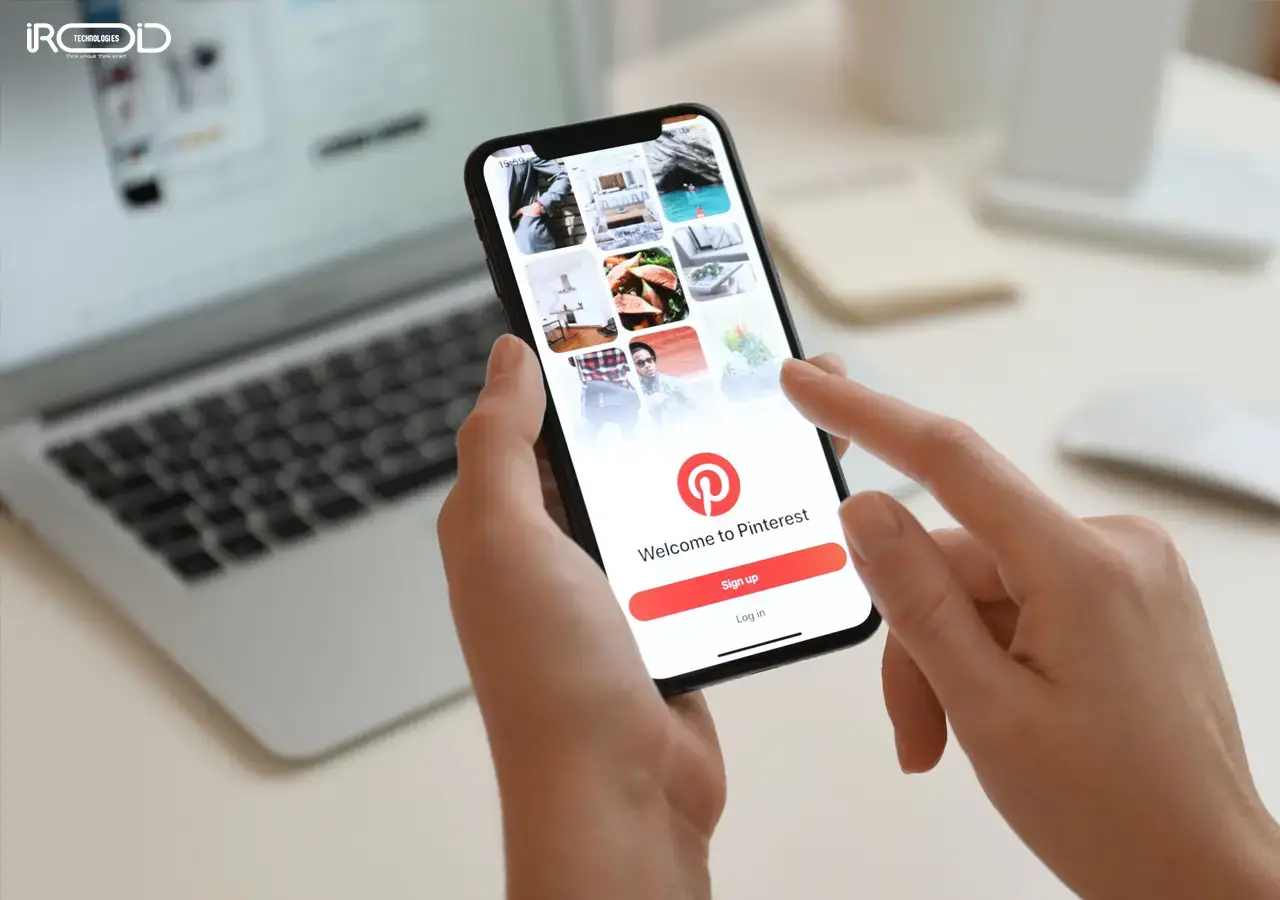
If you have a creative eye, then Pinterest is probably your go-to creative zone. Founded in 2010, Pinterest act as a third hand to generate new ideas, improvise your thoughts, and make them look more professional. In fact, it is one of the finest apps that helps build on new ideas, overcome challenges, generate sharp and professional images, and discover many like-minded creative people around the world. Also, if you’re someone who is looking for a helping hand to sharpen your creativity, Pinterest stands out as one of the most used apps worldwide, backed by a widespread community of experts with credible years of experience who consistently share inspiring ideas and practical insights. If you haven't used Pinterest before, we suggest you do so.
However, there are plenty of other apps like Pinterest you can familiarize yourself with, which are absolutely free and great to use. This blog contains a comprehensive list of Pinterest-like apps and the best ways to choose one amongst them.
If you’re planning to build a similar visual discovery platform with advanced features and custom functionality, partnering with an experienced mobile app development company can help you create a scalable, user-friendly solution tailored to your business goals.
What is Pinterest?
Pinterest is one of the most popular visual collaboration platforms that is used to develop, share, and elaborate creative ideas on different topics that are in great demand amongst users. It helps you share your ideas as ‘pins’ and publish them on ‘boards’ where the other users can view, visit and get inspired from your creativity.
It is widely used for inspiration in areas like fashion, home decor, recipes, travel, and business ideas, making it a powerful tool for both individuals and brands. If you’re looking to build a similar platform, partnering with a professional social media app development company can help you create a feature-rich and scalable visual discovery app tailored to your audience.
List of Top 10 Free Pinterest-Style Apps
Here is a list of the top 10 free Pinterest-style apps that you can choose from:
WeHeartIt
If you’ve just been struck by a creative idea and would like to convert it, then WeHeartIt is a great choice. It is a simple, user-friendly creative space for all those who love to click, save, share, and add their creatives in the easiest way possible. This app is also for all those who love posting and sharing simple images like quotes and silhouettes, or canvas-like images, and showcasing their talent. It also allows you to edit your images within the professional standards by adding stickers, filters, texts, and emojis into it, some of the key elements of designing that enhance creativity and visual appeal. Moreover, it also stores and shares all your creatives in a single space, allowing you to revisit them anytime you wish to. These features, which make it quite easy and time-saving to use, make WeHeartIt a great choice for all newbie editors.
Apart from being a social media platform, Instagram is also one of those pinterest-like apps that serves as the best place to unleash your creative potential. It is the best place to post your creative clicks, use hashtags to create or highlight the category, and gain support through likes and comments, shares, and mentions on stories of your followers’ profiles. Posting images on Instagram has many different ways in which you can gain clicks and attention. One of the assured ways is that you can create a page and send requests to people who you think can support your posts. Second, you can tag people in your creatives, making sure that they check out your creatives and comment or reshare them. Then, there is also a save feature that allows you to save your favourite images and revisit them whenever you want.
Tumblr
Tumblr is an app like Pinterest that offers both a verbal and visual creative experience with uncompromising standards. After Pinterest, it is one of the best places where you can find inspiration for rare and creative images. This platform supports all modes of creative expression, voice clips, images, videos, and even text that you think is unique and keeps your viewers hooked on for a while. This app allows you to customize your account with color themes and designs you prefer to make it look impressive. Especially if you’re someone who loves to keep your profile well-designed and themed with a specific background. Tumblr has a huge variety of choices, including color combinations and themes, to make your profile unique. Essentially, if you are looking forward to reposting or retheming your account, Tumblr gives you infinite ideas, too.
Pexels
One of the biggest problems faced by marketing and other business sectors is to find a right image that supports their business or content. Most of the time, there is a problem with designers who are either busy with bundles of work or users finding the image inaccurate to meet their needs. This issue is, however, taken care of and resolved by Pexels, which is why it is identified as one of the apps similar to pinterest. It allows you to create a free profile, search for images in different user categories, post your images in fewer steps, and helps you get noticed. Also, while searching for a certain image or image category, they come with a user profile name and a follow button; clicking it, you get access to view and download similar images from a wide range of categories. Pexels, for years, has been considered the best app for bloggers and marketers to express their unique ideas in a visual yet catchy manner.
DepositPhotos
Let’s simply put a hypothetical situation: you are in need of a blog image that accurately reflects your blog title, but are too short on time to get it designed. What would you do? This is where DepositPhotos comes to the rescue as one of the best Pinterest alternatives. One of the reasons why every person working in the creative industry befriends Deposit Photos is for its professional and huge backup of images in different qualities, sizes, and downloadable formats for direct usage. This being said, it is ideal to have an annual subscription to use this web app, as it comes with unlimited download options on the same day, without putting limits on your creative needs. All you have to do is name the kind of image you’re looking for—GIFs, vectors, or plain images, and you get them with the highest quality.
Flickr
Just the way it sounds, Flickr is one of the best apps where you can find the creatives of every photography enthusiast who has shown up. Simply searching for a category, you get to see the best clicks and can sort them by their date of publication. From simply viewing, searching, and downloading photos, it also allows you to become a part of communities that offer you frequent and high-quality images. In addition, it helps you follow themes to explore images in different categories and topics. It also gives you the opportunity for your creatives to be evaluated by experienced photographers and share feedback so that you can focus on the areas of improvement. Most importantly, it gives you free in-app storage for your photos without consuming additional space. Flickr is a great place to set up a profile if you’ve been aiming to become a part of a photography community.
DeviantArt
Sometimes, creators run into something called a creative block. This often happens when they have a creative thought process but cannot convert it into a visual format or practical UI/UX design. In such cases, if you need inspiration or a fresh concept, DeviantArt offers umpteen options to explore. While it has categorized sections similar to Pinterest, users can easily discover and follow specific profiles without many steps. The main difference between Pinterest and DeviantArt is that the latter is more specific and offers a wider range of focused creative options.
VisualizeUs
There’s a problem with creative images, you see them once, and you never know when they will reappear again. VisualizeUs comes up with a solution to this problem by helping you bookmark and organize your favorite images. This app helps you develop a visual clarity in terms of ideas and share them with the world in a simple and engaging way. Being ad-free, it keeps all distractions at bay for a better user experience. This avoids the long scrolls that the users must go through to find a creative that matches their needs and keeps them updated about the trends that rule the creative industry.
Behance
Behance is more like a visual portfolio app where you can upload your creatives for any professional showcasing. This helps designers to learn and imbibe new concepts and ideas. It is also considered the best place to experiment with your skills and abilities in Adobe Graphic Design, Photoshop, or Illustrator. For freshers and freelancers who have a bare minimum experience in designing concepts and tools, Behance acts as a knowledge base, connecting you with live client requirements and projects that you may work on at a minimal, feasible amount. On a professional level, you can also connect with designers and converse about the trends and technologies in designing.
Tumblr
Always popular, Tumblr is one of the best microblogging websites and one of those Pinterest-like apps that make any content or write-up with apt images. It helps find and fetch images that match any type of write-up requirement and fit in with aesthetic and relevant content. This platform offers GIFs, images, and short videos that go well with any content. Finally, it allows you to instantly share your content with just a few clicks.
Development Process Behind Apps Like Pinterest
While we all use apps like Pinterest, the development process behind it is seldom unknown. Here is the process broken down into steps for easy understanding:
Step 1: Do a Thorough Research
Taking Pinterest as your inspiration is great. But is that what the industry and audience really need? Will it be successful amongst the other competitive apps? Have the likes, tastes, and preferences of users changed after all these years? Find out. Then, understand what exactly they are looking for when you say that you’ll soon be releasing your app. Following this, track the unique KPIs of the app and conduct a small survey to understand what the users actually want.
Step 2: Plan for the Features of Your App
Now, as you get an idea of who your users are, decide on the Process of app success that your platform should include, or that would benefit your users. Essentially, have a login page where they can add a user name, set a unique profile password, and secure all their personal information. Then, add a space where they can add their interests, likes, and preferences, and get their preferred information by sharing all the necessary details. Third, make sure that the app comes with a search feature where users can enter their requirements and get their creatives listed. Next, there should be a notification bar where users can find their latest updates, likes, and comments shared. Essentially, there should also be a save and share later page that allows users to rework on their creatives when needed and publish them later.
Step 3: Decide the Monetization Strategy
There are different monetization strategies that work best for different types of apps. But to choose the strategy that befits your app, you must be clear in your mind about each before proceeding with the other aspects of mobile app development. One of them is the subscription model, where users subscribe to the app for a certain duration to access the additional benefits of the app. There are different monetization strategies like freemium models, subscription models, and in-app advertising models. So, choose the one that seems apt for your budget and investments.
Step 4: Understand the Developmental Costs
An app like Pinterest definitely aims to be going in for a monetization strategy. Therefore, if you need apps similar to pinterest you must necessarily have an idea as to how monetization works to invest in it. There are three major factors that affect your monetization strategy. The first is the app design that brings in brand loyalty amongst users. Then, it is important to understand where the app is being released—whether it is an app for the Play Store or the App Store. Finally, based on the features and functionality, understanding the app size is also crucial for its best functionality.
Step 5: Choose a Good App Development Company
Now comes the last and most important step. Research, inquire, and choose the best app development company in India that can guarantee you prolonged professional development services. So, choose a company that is supported by professionals with commendable years of experience and is prompt to respond. Essentially, check for some of the projects and works that they’ve recently completed and evaluate them on the basis of budget, time taken, and after delivery support.
Conclusion
Being familiar with apps like Pinterest helps in unleashing creativity, unlocking a wide circle of professional support, and keeping pace with the trends and developments within the industry. This way, you can always keep learning, understanding, and preparing for future projects and your career. Becoming an app developer and working with them is also a rare experience. If you are also planning for such an app at an amiable budget and a scheduled timeframe, we are here to help you with the best teamwork and technologies to bring your app to life. So say no more, or wait no more, and let’s bring your app to life soon!
You might Like:
Top 10 Alternative Apps to Zepto and Blinkit
How to Create a Dating App Like Tinder?

Meera Bhadran is a technical content writer at Iroid Technologies with commendable years of experience in several domains like e-commerce, fintech and advanced technologies. With a strong knowledge of SEO strategies and technology insights, she also converts the tech updates into different informative formats. Her works are research-oriented, well-articulated and communicative to the audience.